Thanks a lot @yanokwa !!
I installed the briefcase v1.4.10 , "pulled data from: Custom path to ODK Directory" , then exported into csv file :
IDP ICS SURVEY 2018.csv (77.8 KB)
Then opened with Notepad+++ ....and it worked, Lao characters show well!!! 
With Excel though, it comes out again differently when just double clicking on it:
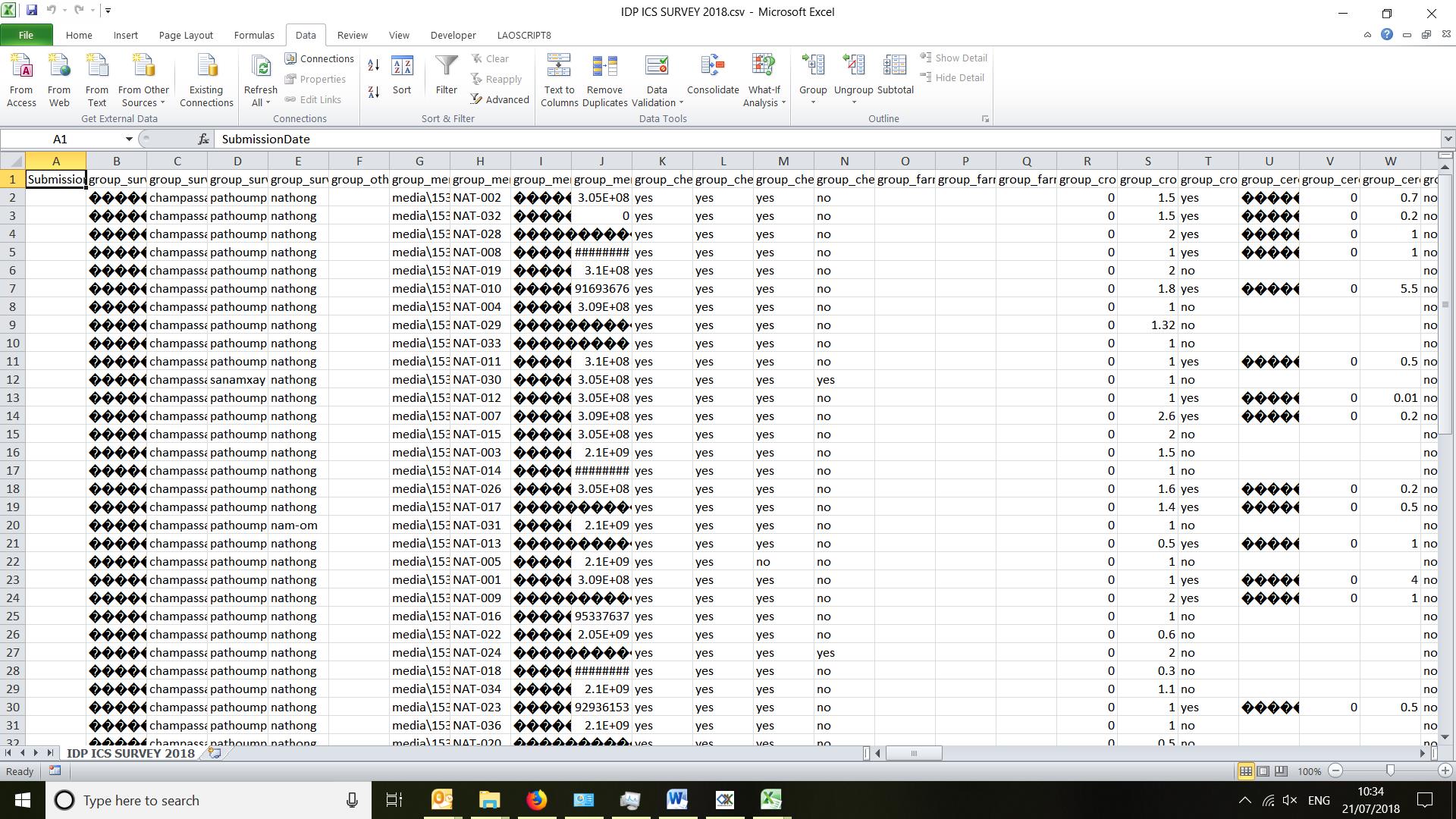
But this is just the known encoding issue with Excel, so I imported into Excel with Data>From Text file, and just changed encoding to UTF-8, and all was good again:
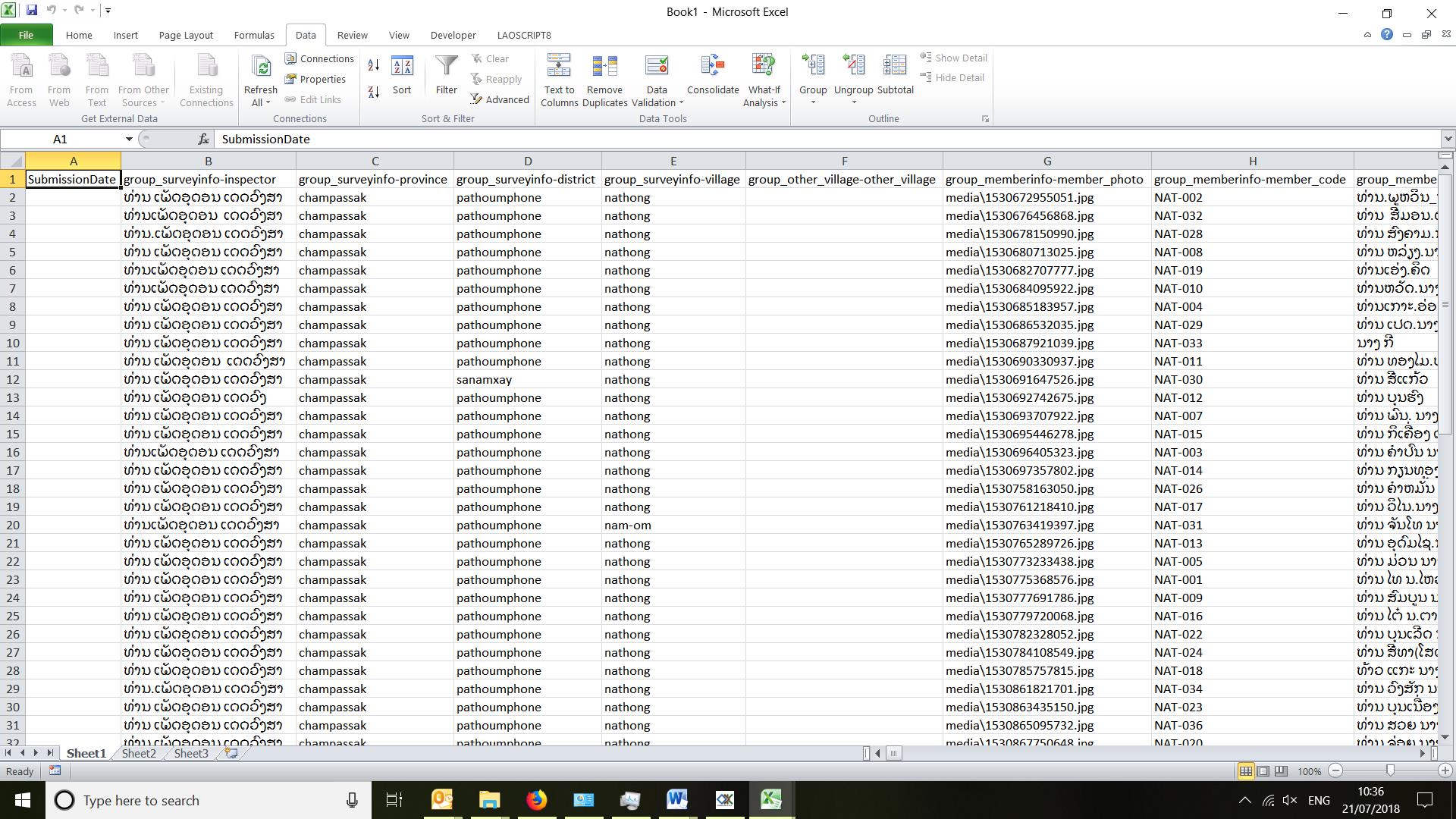
So, as it seems it is an issue with the newer version of Briefcase, for the time being (we are in a hurry, right in a middle of a survey actually) I think I will use this older version to complete our current work.
But if you guys need us to test again the newer version after modifying some bits and parts, just let us know!
A big thanks to @ggalmazor and to @yanokwa !